
Notes
Notes is where you write in Hollow. Write quickly, even offline, edit with AI, and sketch on a live canvas beside your text. You can import and export Markdown.
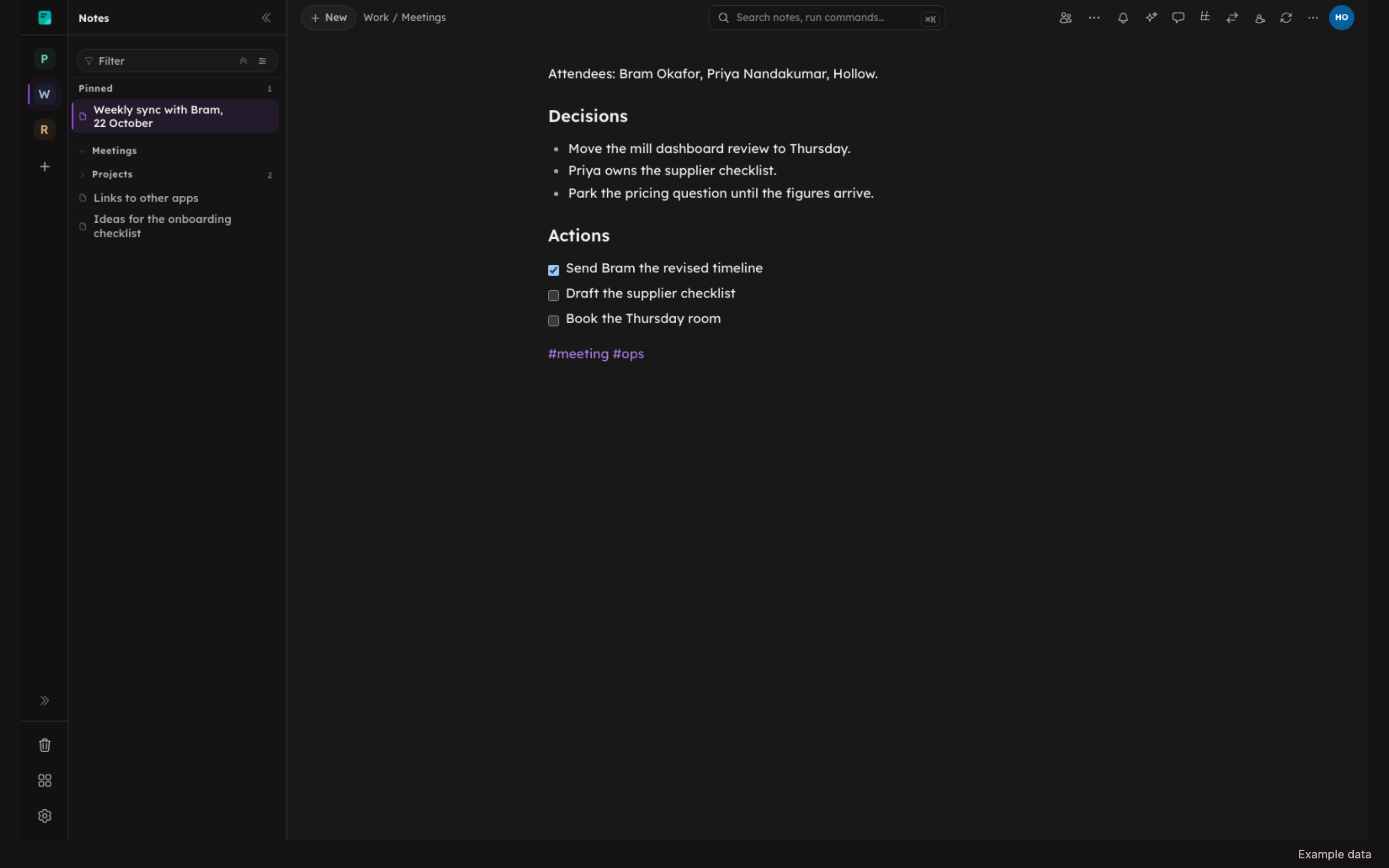
Write
Notes with AI built in
AI editing lives on the page you’re writing, not in a side panel. If you lose your connection, Notes queues your edits and syncs them when you reconnect. Notes is privacy-first, and you can import and export Markdown.
- Edit with AI on the page you’re writing
- Keep writing offline and sync once you’re back online
- Import and export Markdown
Sketch
A canvas inside every note
Open a canvas from any note to sketch, draw a diagram or think visually beside your text. It syncs in real time across every device you’re signed in to.
- A full drawing canvas inside your notes, not a separate app
- Every device shows the same canvas, live
- Falls back to a single-user snapshot if sync is unavailable
Connected
Part of one workspace
Notes works with the rest of Hollow. Hollow Search finds your notes, Hey Hollow can read one aloud, and a YouTube link pasted into Hub becomes a full transcript saved in your notebook.
- Find your notes with Hollow Search, alongside every other app
- Hey Hollow reads notes aloud today; voice note-taking is rolling out
- Paste a YouTube link into Hub to save its transcript as a note
What’s inside
Everything a note needs, nothing it doesn’t
- Writing and MarkdownWrite without distraction, edit with AI, and import or export Markdown.
- Offline writingKeep writing with no connection. Changes sync once you’re back online.
- Collaborative canvasSketch and draw diagrams on a canvas that syncs live across devices.
- Shared notebooksShare a whole notebook with family or a team.
- Hub searchFind any note from the Hollow Search bar.
- Read aloudAsk Hollow to read a note aloud, hands-free.
- YouTube transcriptsPaste a YouTube link into Hub and the full transcript is saved to your notes.
Write, sketch, and never lose the thread
Notes is part of Hollow, which is invite only while we open access in stages.
Related
More from Hollow
Workspace app
Status: Invite onlyWorkspace app
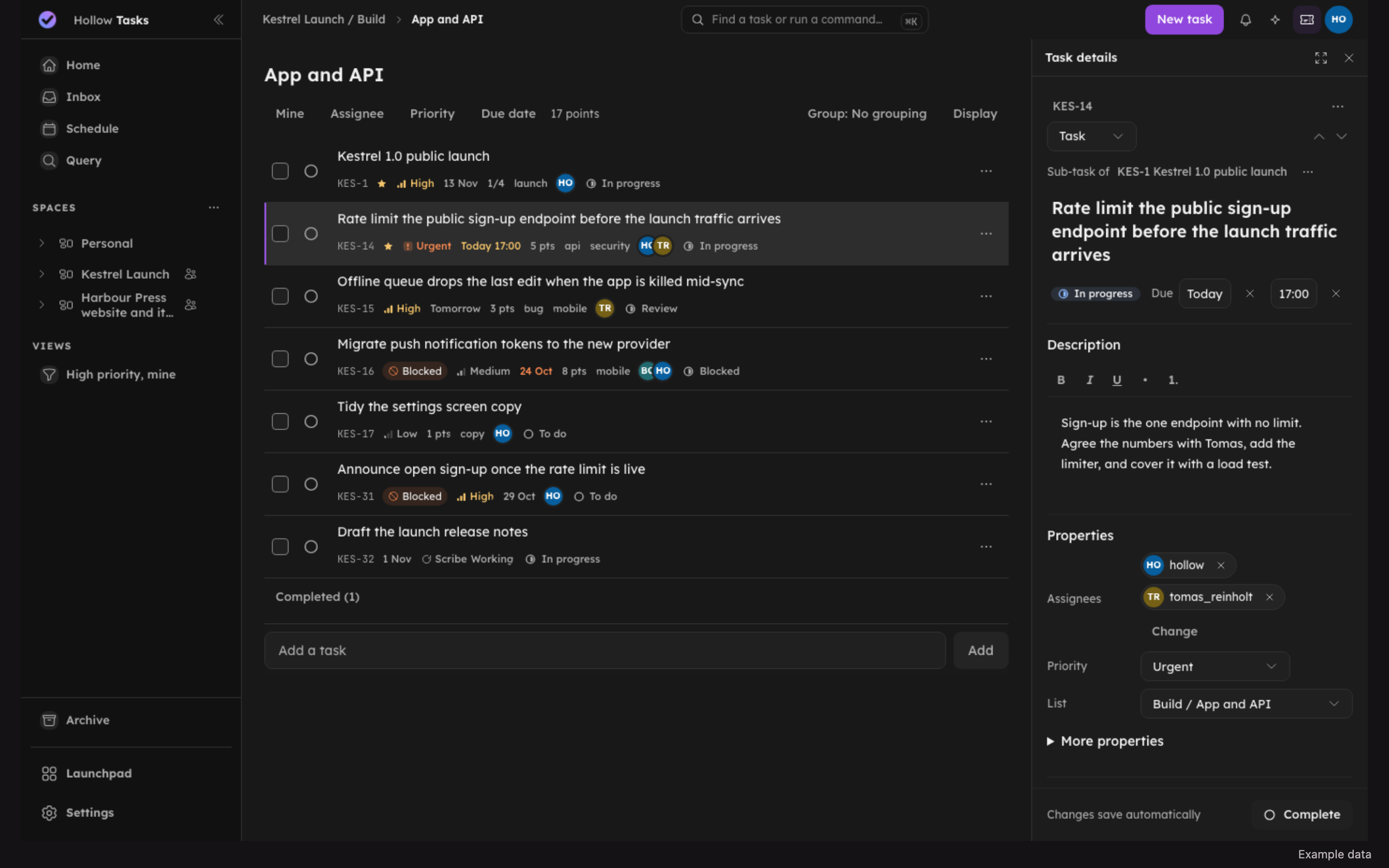
Tasks
A daily focus list that rolls unfinished work forward, with filtering and search built in.
Workspace app
Status: Invite onlyWorkspace app
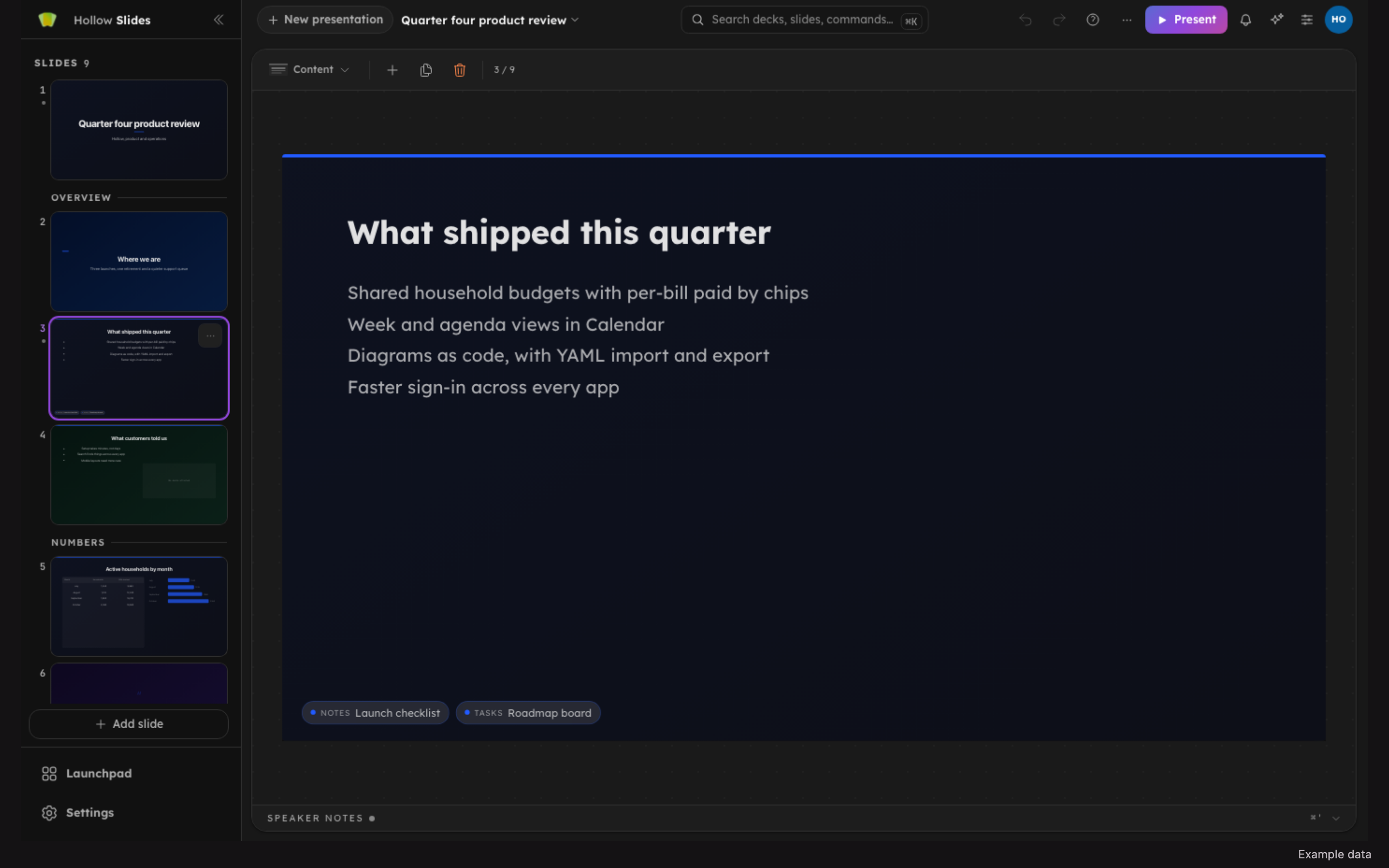
Slides
Build presentations in Hollow, then find them from Hub or hear them through Hey Hollow.
Workspace app
Status: Invite onlyWorkspace app
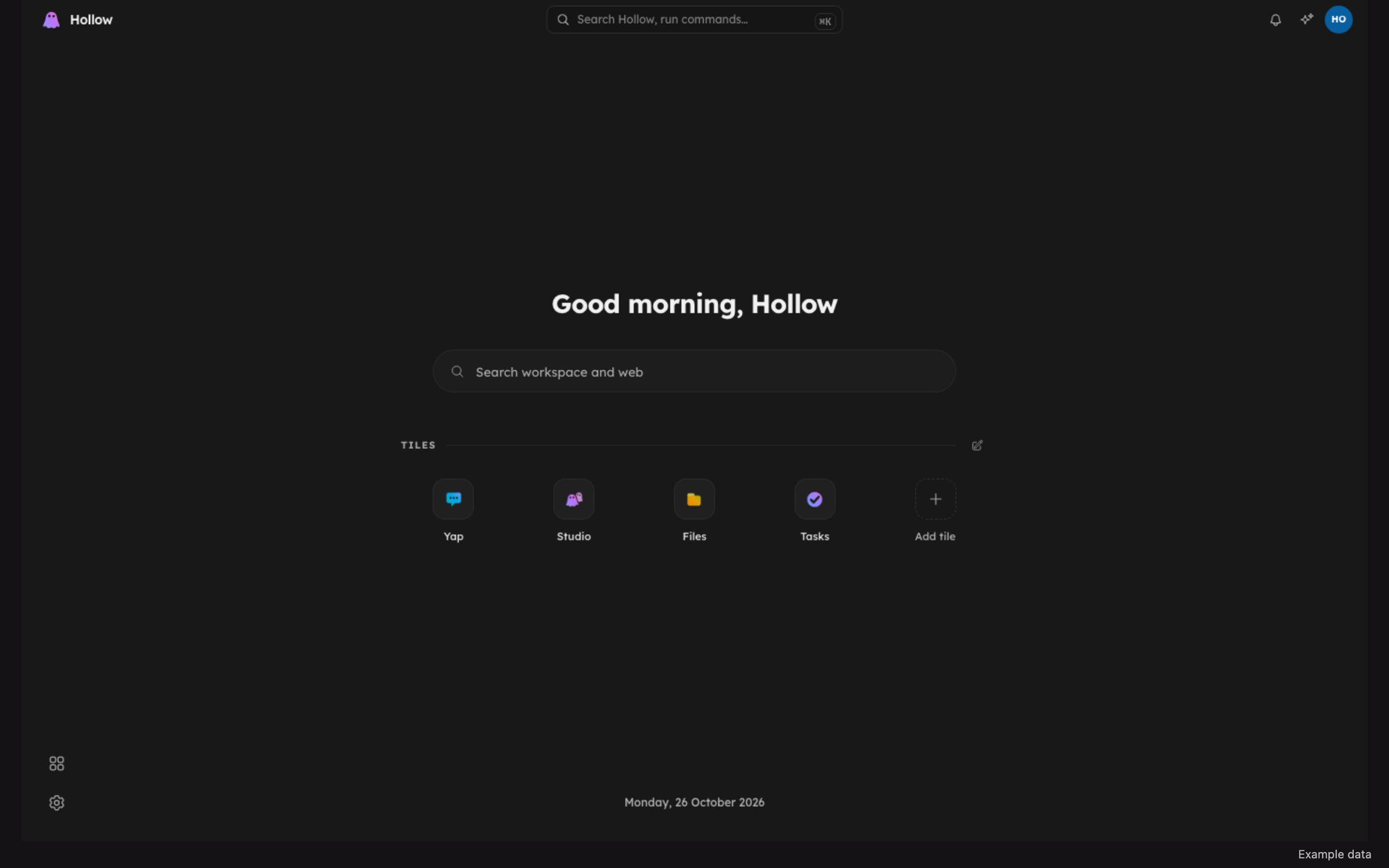
Hub
Search your workspace and the web from one bar, and open any Hollow app.