AI-powered workspace
Project Hollow
Status: Invite onlyAn AI workspace by Soulstack for notes, tasks, files, conversations and code.
Project Hollow, or Hollow for short, connects focused apps and an AI assistant in one workspace by Soulstack. Start with the app you need today.

Project Hollow
AI-powered workspace
One workspace
Focused apps that share everything
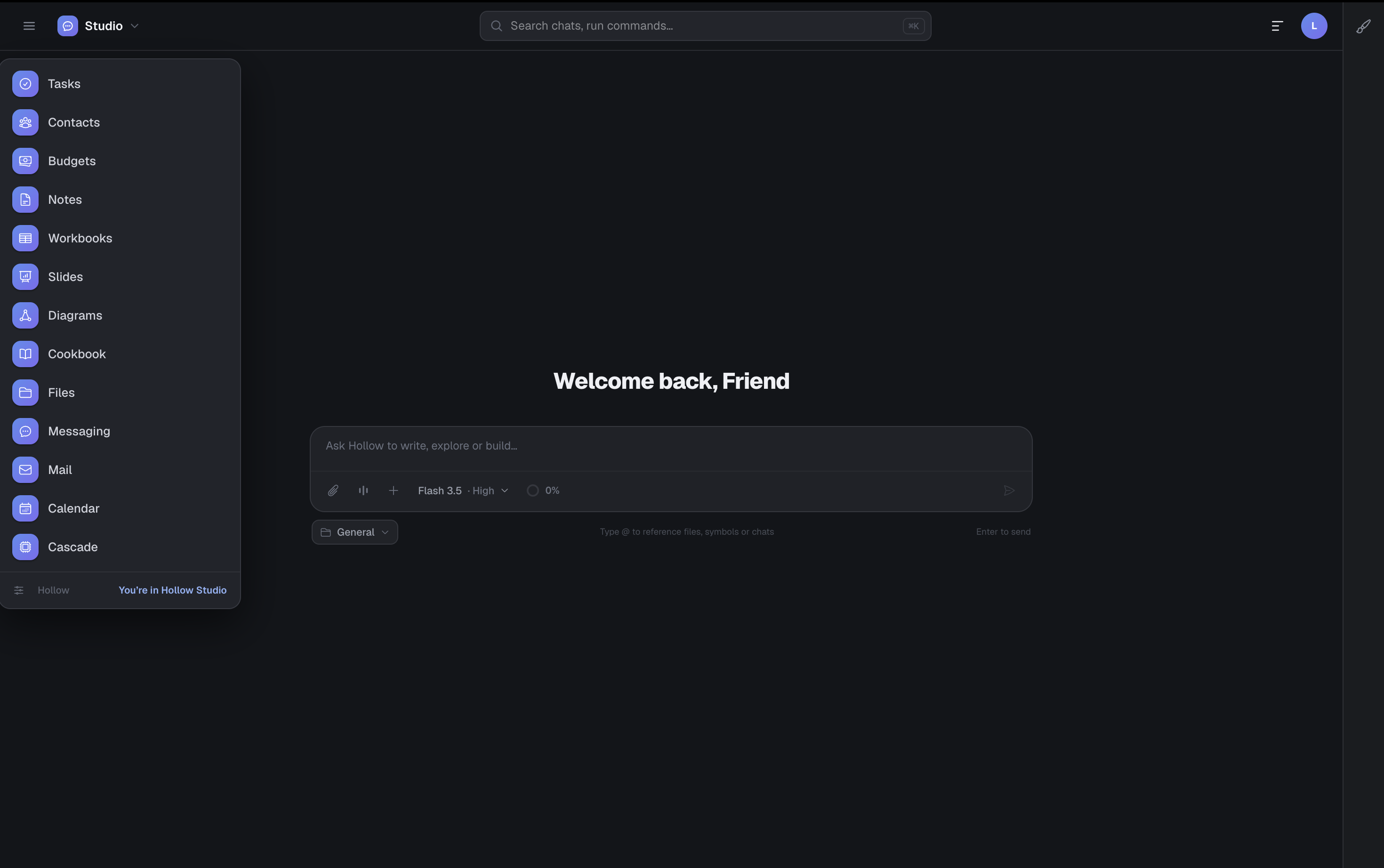
Hollow brings together a Hub, Hollow Studio, and a set of focused apps for notes, documents, code, and planning. Every app shares the same identity, storage, and design language.
- One sign-in, one workspace, one set of data
- Moving between work modes never means switching tools
- A consistent design language across every app
- Notes, Tasks, Contacts
- Workbooks, Slides, Diagrams
- Files, Calendar, Budgets
- Yap, Mail, and Cascade
Hollow Studio
AI built into the work, not bolted on
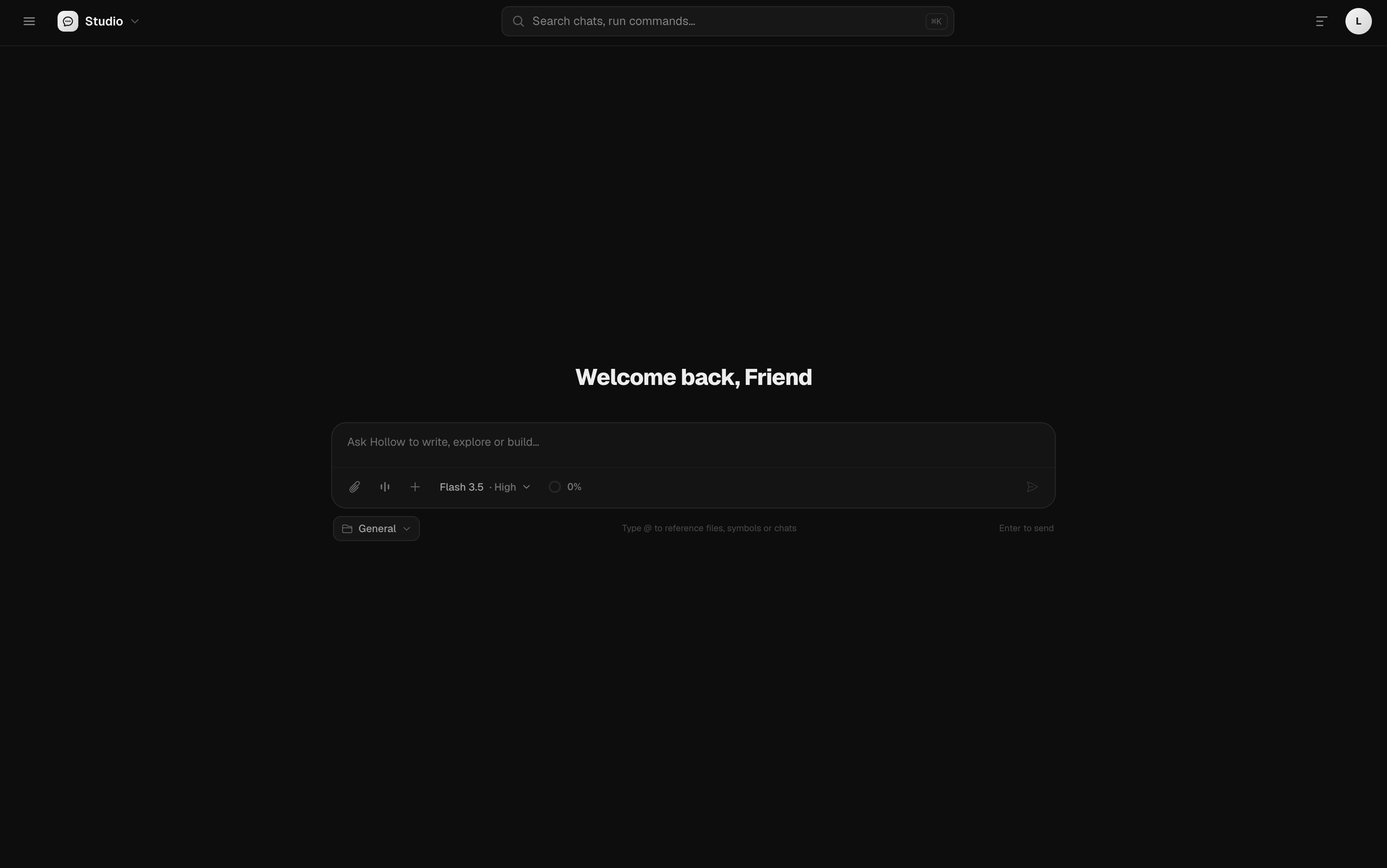
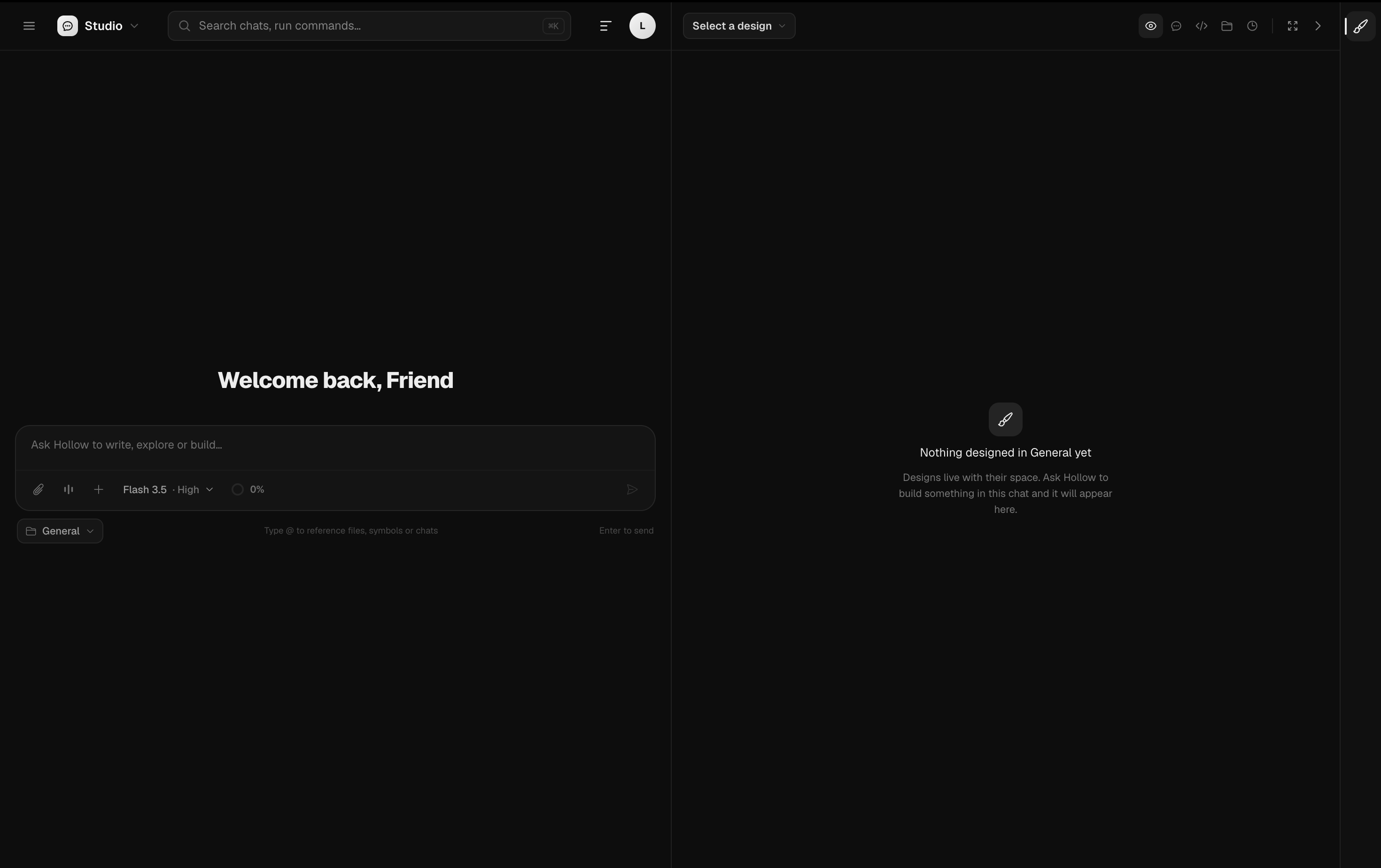
Hollow Studio is the AI core. Chat handles conversations and generated work, and Code works with your repositories and edits with you, both built on the same shared agent kernel.
- Chat for conversations and generated work
- Code works with your repositories and edits with you
- Artifacts in the Preview panel beside your conversation
- Chat for conversation
- Code for repository work
- Connect your tools and data
- Artifacts in Preview
The suite
Every app under Hollow
One sign-in, one workspace. Each app below has its own page.
Hub
Status: LiveA web and workspace search engine that also launches every app in Hollow.Hollow Studio
Status: LiveThe AI core of Hollow: a Chat surface for conversation and generated work, plus Code for repository work and a Preview panel for artifacts.Lumen
Status: LiveUptime monitors, incidents, and alerts for the services you need to trust.Notes
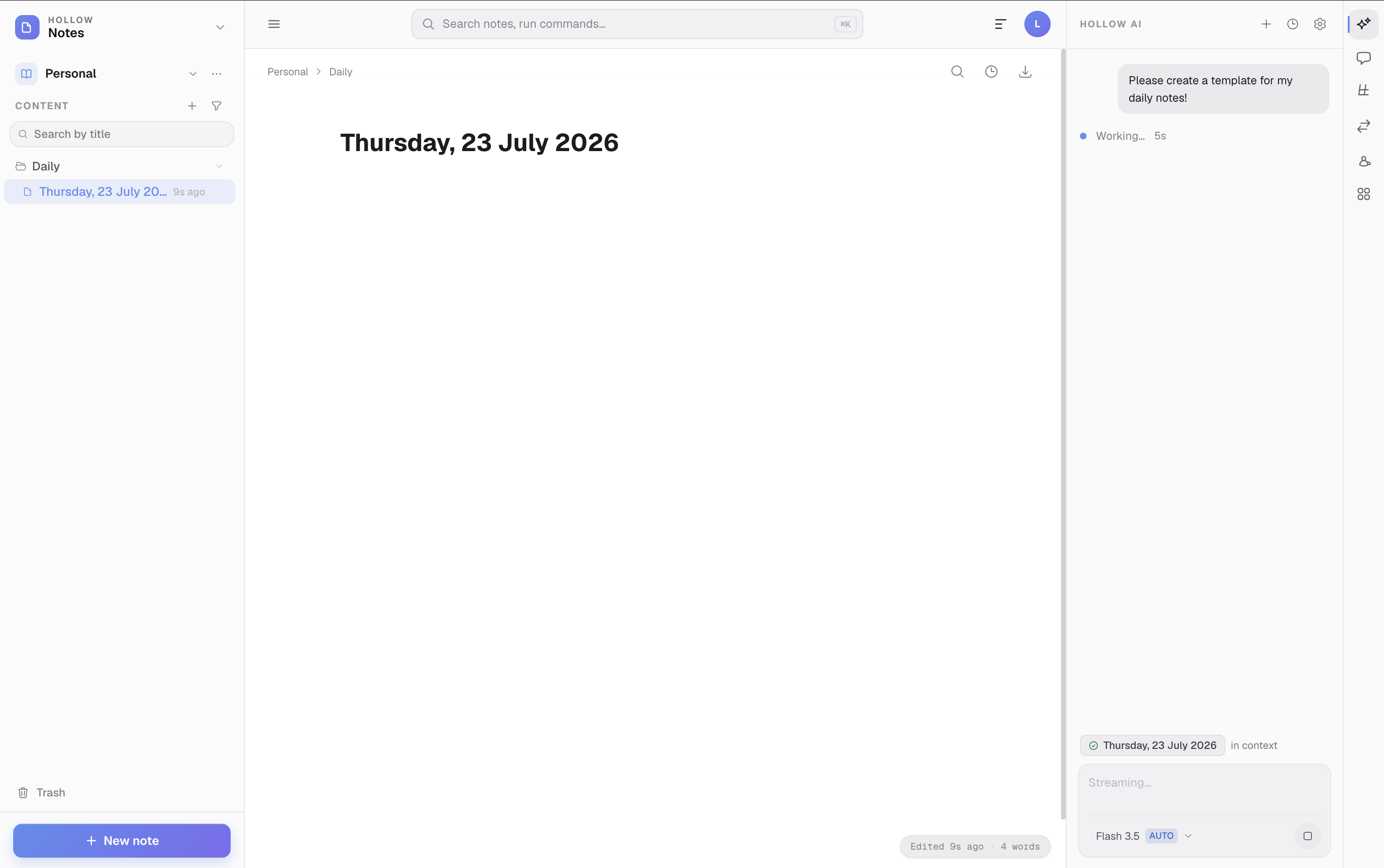
Status: LivePrivacy-first markdown notes with AI editing, a real-time collaborative canvas, and offline support.Tasks
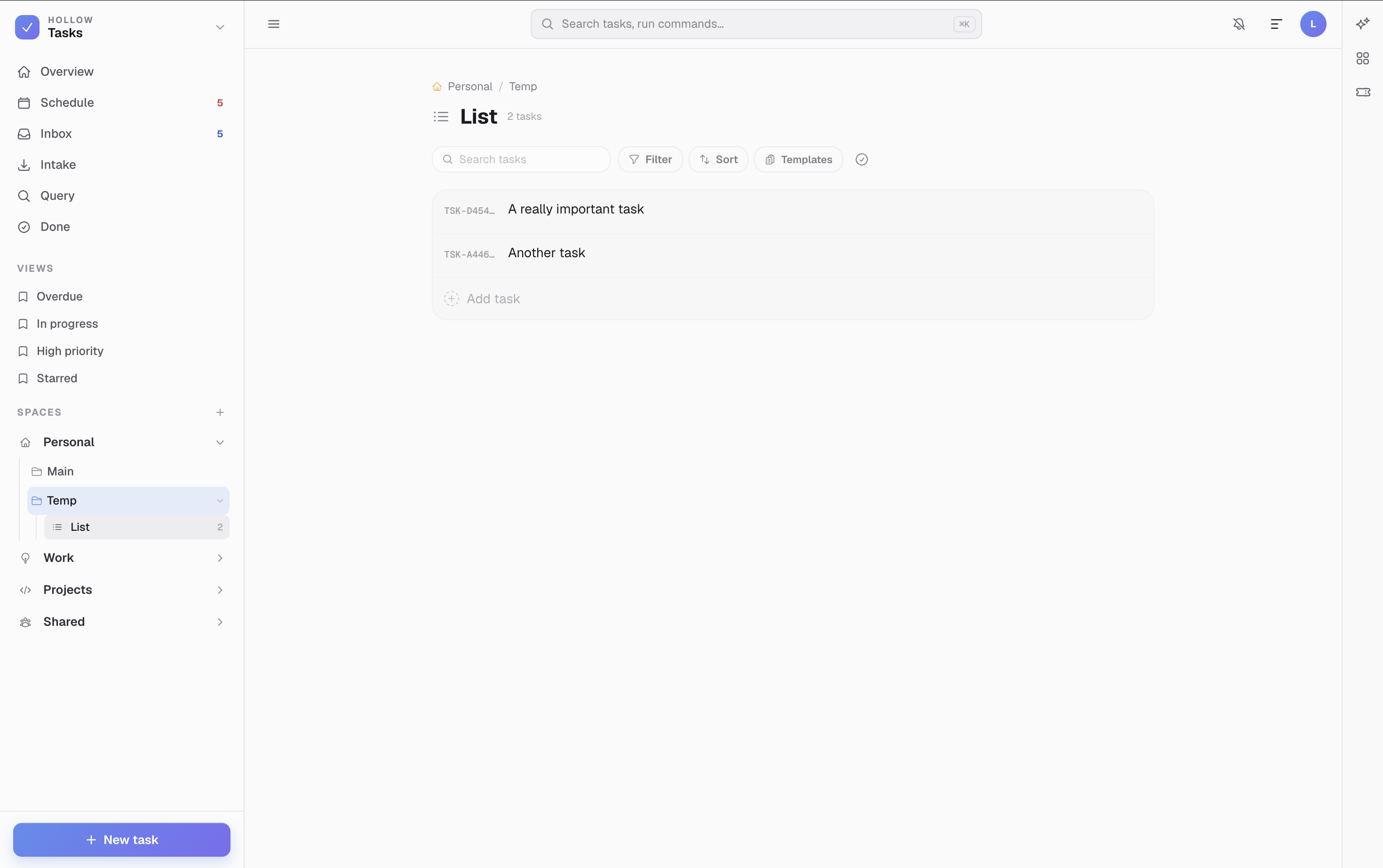
Status: LiveA daily focus task manager with a query language sharp enough to find anything.Calendar
Status: LiveA calendar with month, week, day, and agenda views, connected to the rest of Hollow.Workbooks
Status: LiveSpreadsheets with formulas, multiple sheets, and CSV and XLSX import and export.Files
Status: LiveFile storage with folder hierarchy, and the cross-app document registry the rest of Hollow is built on.Slides
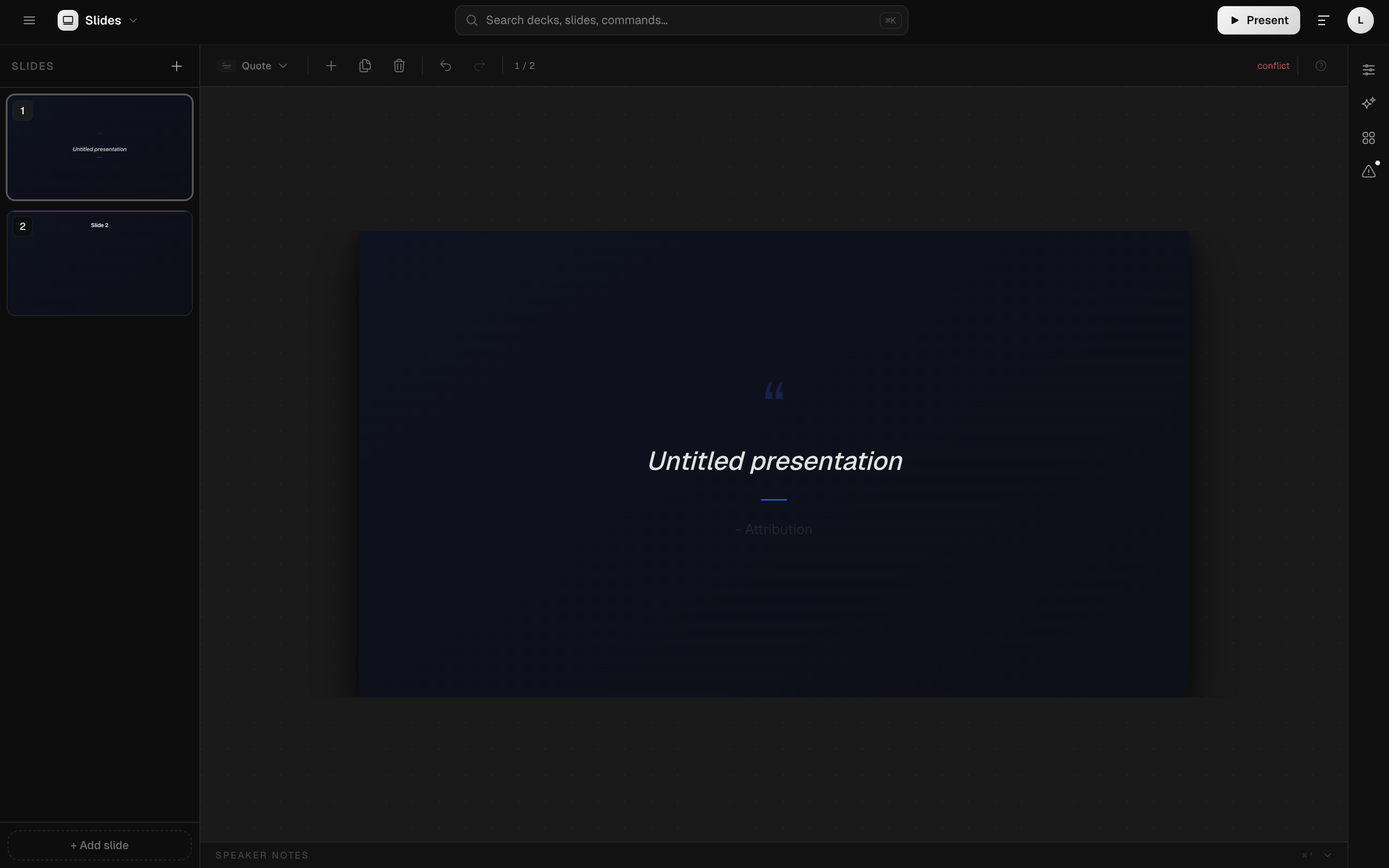
Status: LiveA presentation builder that is searchable from Hub and voice-readable through Hey Hollow.Diagrams
Status: LiveA technical diagramming workspace for architecture, flow, and delivery diagrams.Budgets
Status: LivePersonal and shared household budgets, with sensitive numbers kept off voice by design.Contacts
Status: LiveA shared address book, with the same voice privacy protections as Budgets.Mail
Status: LiveA browser-based, multi-mailbox webmail client built into Hollow, with proper credential security and a durable send queue.Cascade
Status: LiveAutomate recurring work across Hollow with a safe, step-by-step runner, including HollowScript for real logic.Maps
Status: LiveSave places and organise them into lists in your Hollow workspace.Repos
Status: LivePrivate Git repositories with a code browser, diffs, branches and pull requests.Yap
Status: LiveReal-time messaging inside Hollow: spaces, channels, threads, and DMs, with push notifications and live voice Huddles.















Under the hood
The platform underneath
Significant enough for its own page, even though it is not a workspace app in its own right.
Hey Hollow
Status: LiveA listen-and-speak voice interface for Hollow, built on Amazon Nova 2 Sonic with no stored credentials anywhere.HollowScript
Status: LiveA statically typed, capability-safe scripting language for Hollow automation, already running in production inside Cascade.Hollow Kiln
Status: In developmentA fully local platform for building, training, evaluating, and operating language models.Kindling
Status: In developmentSmall, efficient models for low-resource, low-latency, and specialised local deployment.Ember
Status: In developmentThe primary model family, balancing capability, efficiency, and general usefulness.Soot
Status: Coming soonAn independent open model family with openness defined release by release.Hollow Code
Status: Private previewChat with Hollow and work in your local workspace from inside VS Code.Hollow CLI
Status: Private previewProgrammatic access to Hollow services from scripts, CI, and the terminal.Hollow MCP
Status: Public integrationA self-hosted Model Context Protocol facade for Hollow services.
A closer look
Project Hollow in action
A calmer way to work with AI
Hollow is invite only while we open access in stages. Visit the site to learn more.