Creator platform
Soulstack.gg
Status: LiveStream Studio, Gander, and Slate. One creator platform for Twitch, Discord, and OBS.
A live creator platform for Twitch, Discord, and OBS, run from a single Creator Console.

Soulstack.gg
Creator platform
Twitch first
One workspace for your whole stream
Stream Studio is the Twitch-first hub. Chat Bot handles commands, timers, giveaways, counters, and AI-powered chat, Pond Party adds live multiplayer chat games on top, and a Soundboard and Command Deck give you on-stream control.
- Chat Bot: commands, timers, giveaways, counters, and AI chat
- Pond Party: live multiplayer chat games on top
- Soundboard and Command Deck: on-stream sound and scene control
- Twitch chat bot
- Timers and giveaways
- Pond Party games
- Soundboard and Command Deck
Overlays and canvas
Build the look of your broadcast
Slate is a real-time collaborative canvas with live multi-user cursors and presence, broadcast straight to your stream through an OBS overlay.
- Real-time collaborative canvas with live multi-user cursors
- Shareable public links for anonymous participation
- OBS overlay output, transparent and ready to broadcast
- Collaborative canvas
- Multi-user cursors
- Live presence
- OBS overlay output
Beyond Twitch
Bring the community to Discord
Gander brings your community to Discord: games, conversations, and server moderation, configured from Community Studio, so the same community carries across platforms.
- Games, levelling, economy, tickets, and moderation
- AI-led conversation in your server
- Configured from Community Studio and shared with the rest of the platform
- Games and activities
- Levelling and economy
- Roles and moderation
- Tickets and giveaways
The suite
One creator platform
Every tool is connected through the Creator Console at creator.soulstack.gg.
Stream Studio
Chat Bot commands, timers, giveaways, counters, and AI chat, plus Pond Party games and a Soundboard and Command Deck for on-stream control.Pond Party
Multiplayer chat games viewers join straight from Twitch, including Honk Wars, Pond Punch, and Yolk Rush.Gander
AI conversation, moderation, levelling, economy, tickets, and games in your Discord server.Slate
Real-time collaborative canvas with multi-user cursors and OBS overlay support.Side Quests
Bite-sized Twitch chat games alongside Goose Quest: Capybara Quest, Axolotl Quest, Crow Quest, and Choose Your Quest.
A closer look
Soulstack.gg in action
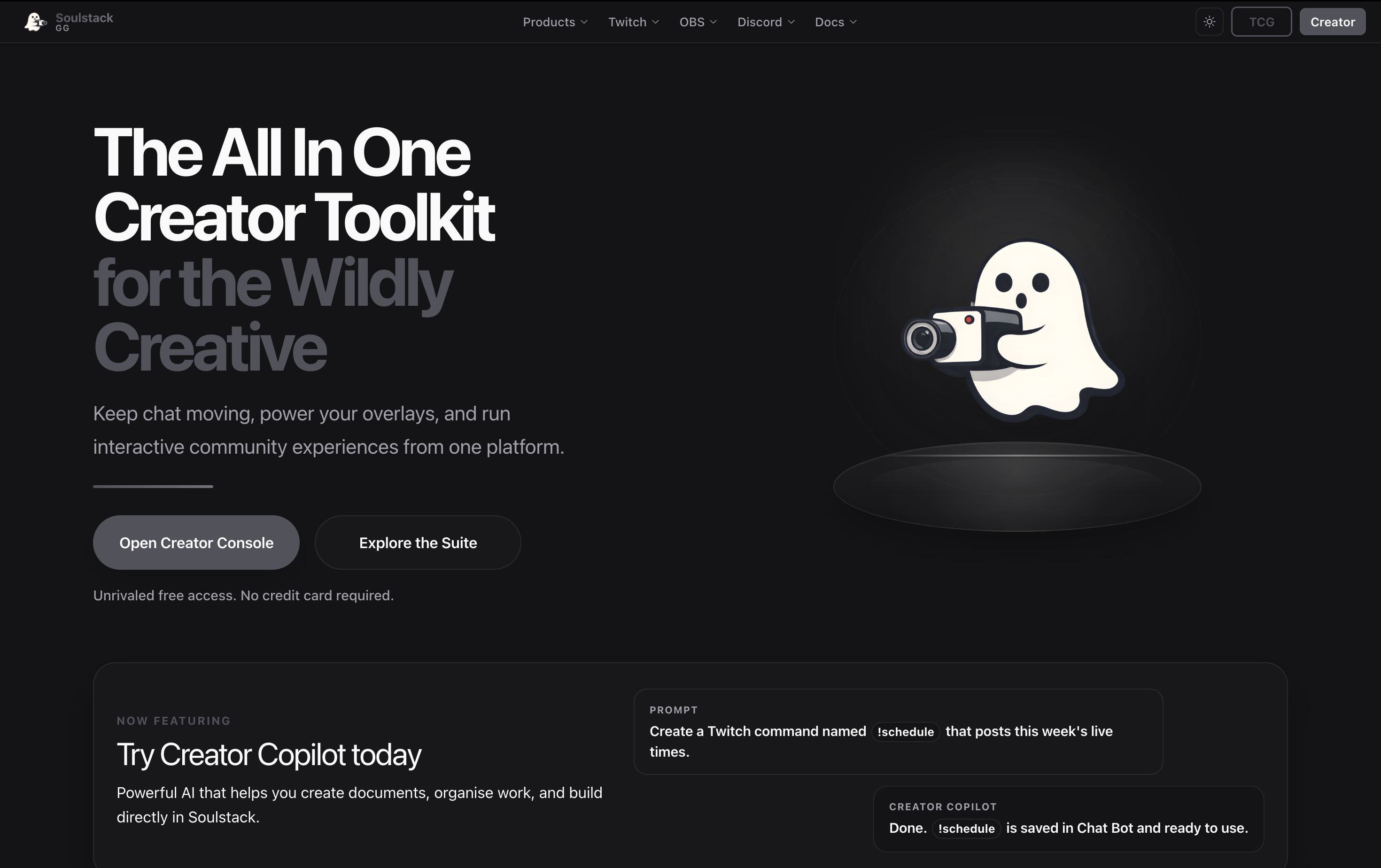
Run your stream from one platform
Open soulstack.gg and set everything up from the Creator Console.