
Files
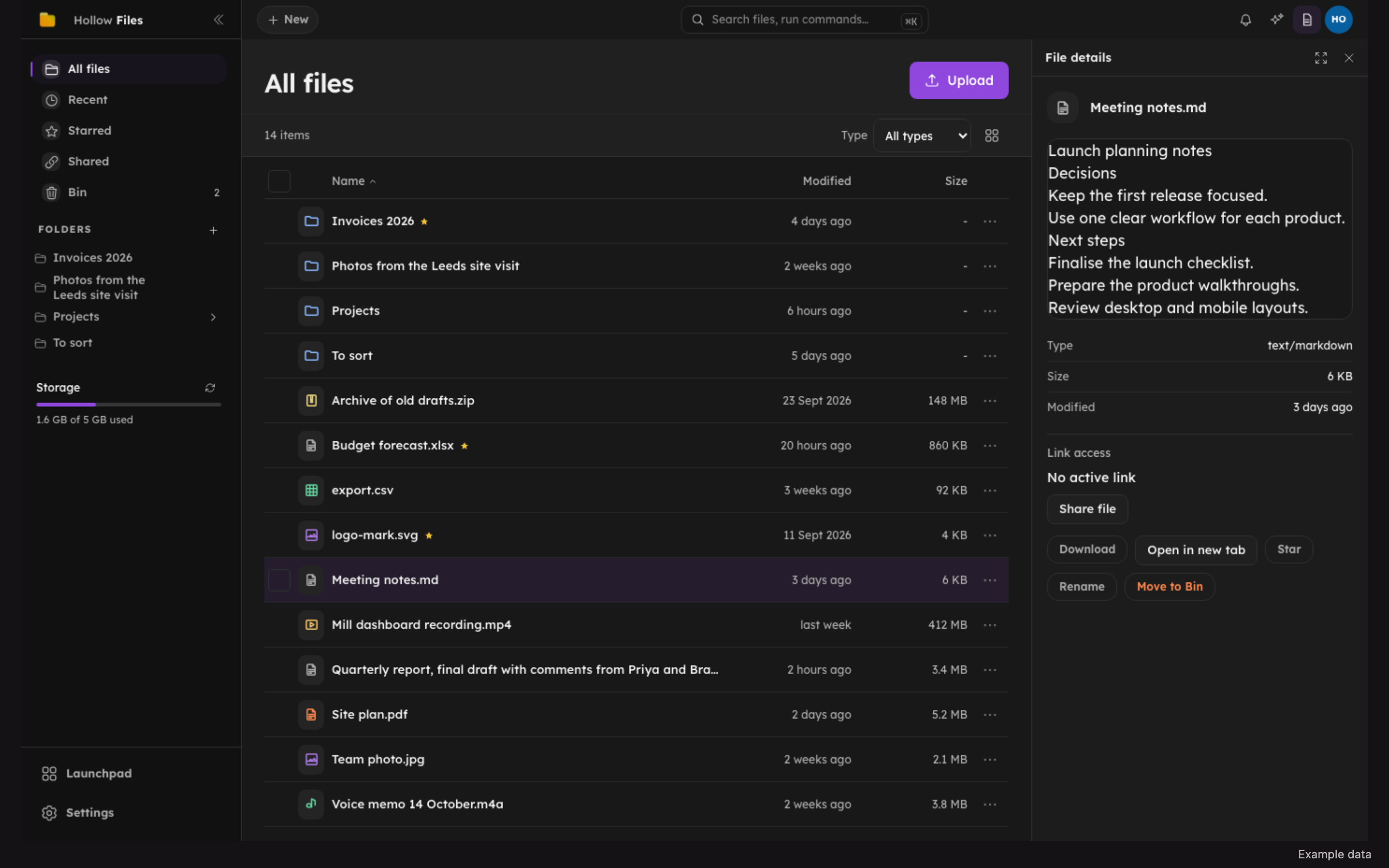
Files keeps everything you upload in folders. It is also where Notes, Workbooks, Slides and Diagrams register their documents, which is how Hollow Search can cover your whole workspace.
Store
Upload, organise, preview
Upload files, sort them into folders, preview them and download them again. Files works the way you would expect any file manager to work.
- Folders for uploading, downloading and organising
- Preview files without leaving the app
- One store shared across the rest of Hollow
Underneath
Why one search covers your workspace
Files is also Hollow’s shared document registry. Notes, Workbooks, Slides and Diagrams all register their content in the same store, which is why Hollow Search can cover your whole workspace from one bar instead of app by app.
- Notes, Workbooks, Slides and Diagrams all register content here
- Stays in sync automatically as documents change
- The reason Hollow Search can span every app at once
What’s inside
One place everything else can find
- Folder storageUpload, download, organise and preview files in real folders.
- Document registryThe shared store where Hollow’s other content apps register their documents.
- Hub searchSearch every registered document from one bar.
One place everything else can find
Files is part of Hollow, which is invite only while we open access in stages.
Related
More from Hollow
Workspace app
Status: Invite onlyWorkspace app
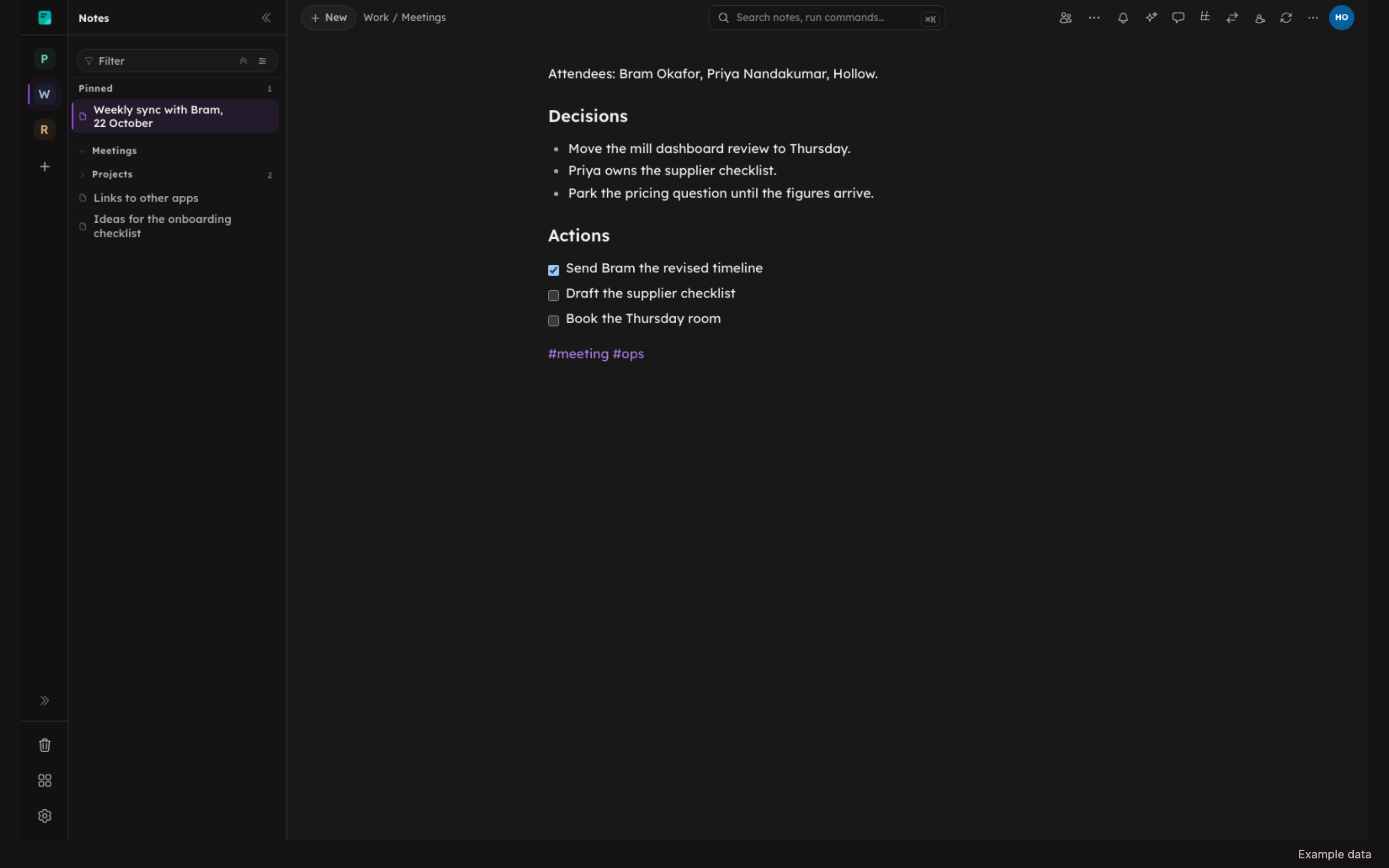
Notes
Privacy-first notes with AI editing, a live shared canvas and offline writing.
Workspace app
Status: Invite onlyWorkspace app
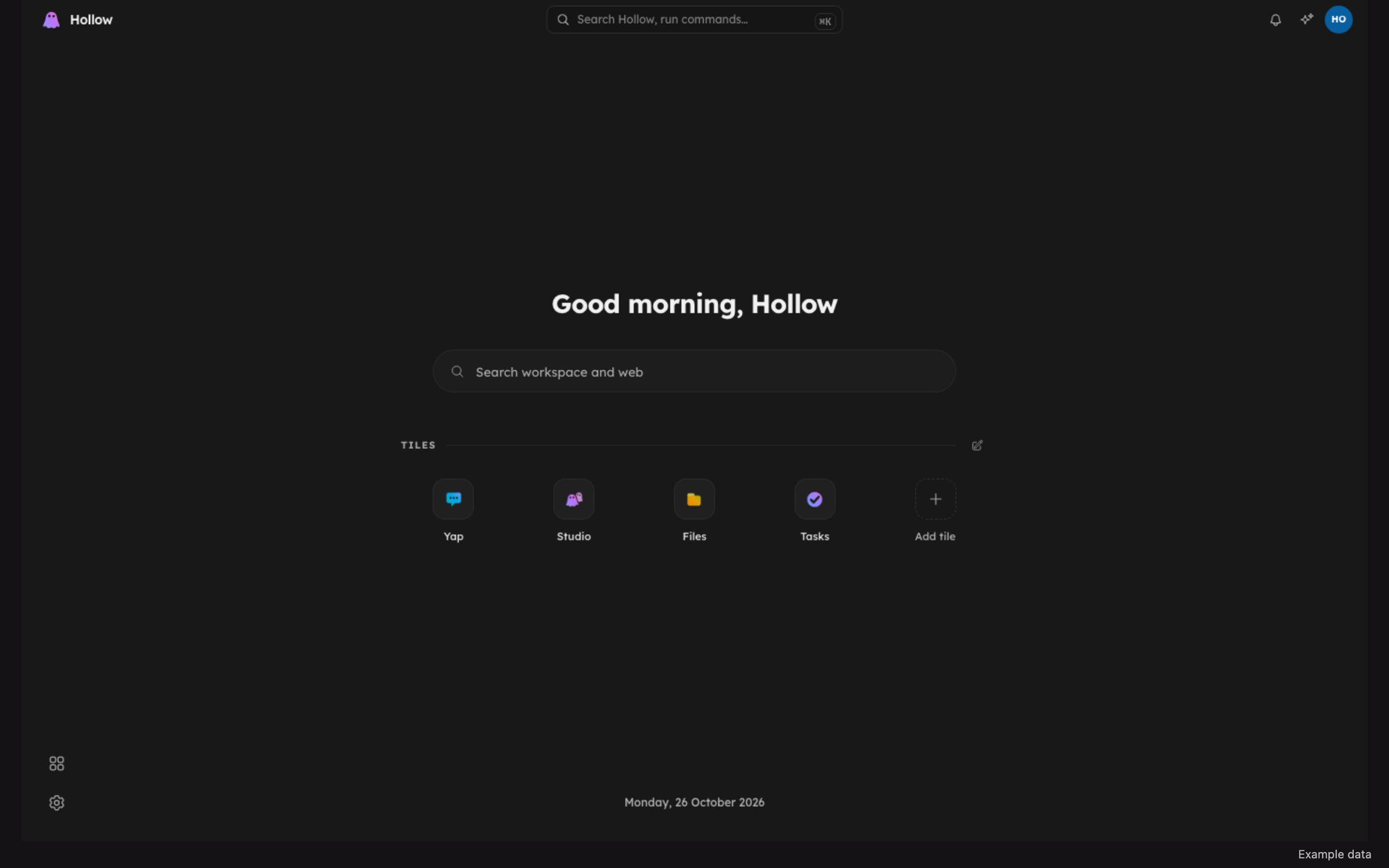
Hub
Search your workspace and the web from one bar, and open any Hollow app.
Workspace app
Status: Invite onlyWorkspace app
Workbooks
Spreadsheets with formulas, multiple sheets, and CSV and XLSX import and export.